

01Kept automatically
Read it now. Find it later.
The pages you spend time reading are remembered on their own. No saving, no tagging, no deciding what might matter later.
No extra habit to build. Just read as you always do.

A private memory for your browser
For the article, the idea, the page you almost remember.
Thoth keeps what you read, so you can find it again.
Your reading, remembered
Your reading, remembered
When the name escapes you
You read hundreds of pages. Within days their titles and addresses fade, while what they were about stays with you. Thoth can find a page from that memory, such as “forgot why I walked into a room”.
More than browser history
History needs the address. Bookmarks need you to have saved it. Thoth only needs whatever stuck with you.
“That article about walking into a room and forgetting why.”
Today
 Salary Negotiation: Make More Money, Be More Valued | Kalzumeus Softwarekalzumeus.com
 'Night walks are a great tonic for urban stress': your stories of the nocturnal city | Cities | The Guardiantheguardian.com
 Why Walking through a Doorway Makes You Forget | Scientific Americanscientificamerican.com
 Sous vide - Wikipediaen.wikipedia.org
 Mechanical Watch – Bartosz Ciechanowskiciechanow.ski
 Three-fund portfolio - Bogleheadsbogleheads.org
It was in there, but not in the words you remember.
 How to Do Great Workpaulgraham.com
 Madrid to Lisbon by train | 2026 schedules, fares & ticketsseat61.com
 F-Shaped Pattern of Reading: Misunderstood, But Still Relevant - NN/Gnngroup.com
Only if you’d thought to save it.
Describe a page the way you remember it.
From your reading
Scientists measure the "doorway effect," and it supports a novel model of human memory

Found from the part you remember.
Searching by meaning is part of Pro and Max.
Searching for “forgot why I walked into a room”: browser history finds no results, because the page is titled “Why Walking through a Doorway Makes You Forget | Scientific American”. Bookmarks find nothing, because the page was never saved. Thoth finds it from what you remember.
From reading to remembering
Follow your curiosity. Thoth remembers along the way, so you can return to the ideas that matter.
01Kept automatically
The pages you spend time reading are remembered on their own. No saving, no tagging, no deciding what might matter later.
No extra habit to build. Just read as you always do.
02Keep what matters
Highlight a passage and add a thought. Come back to your words and the original page together, right where you left them.
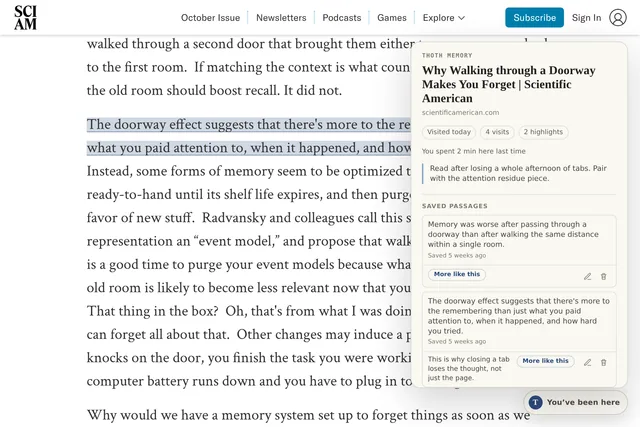
03Find it again
Describe what stuck with you, without guessing the title or the exact words. Search everything you’ve read from any tab, or find a thought inside the page you have open.
Search by meaning comes with Pro and Max.

04Take your reading with you
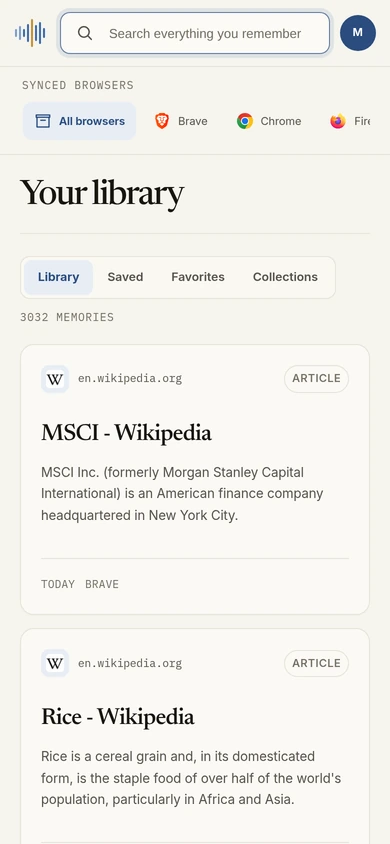
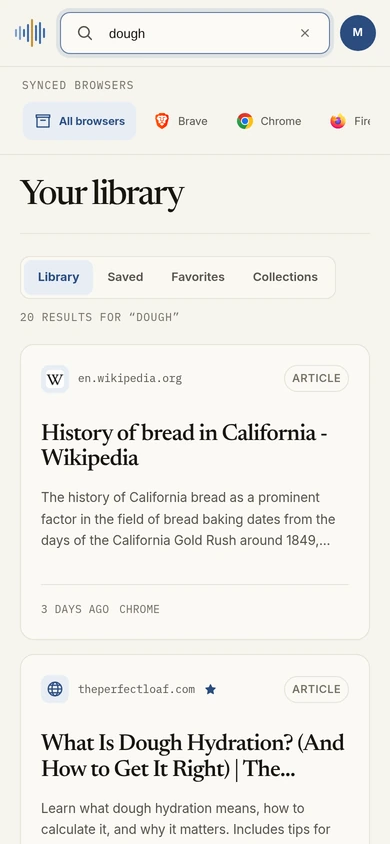
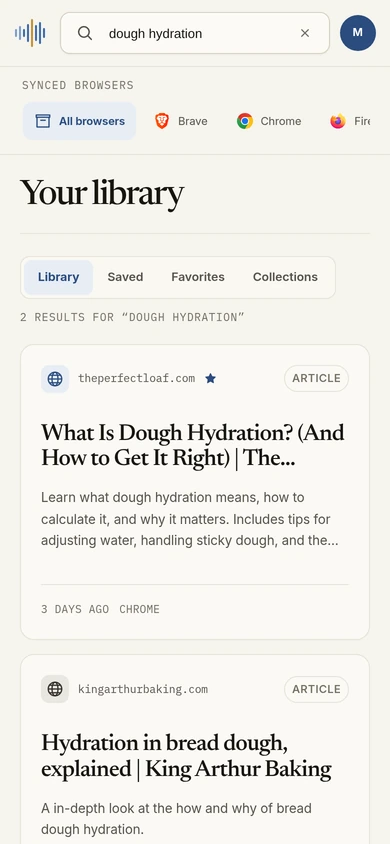
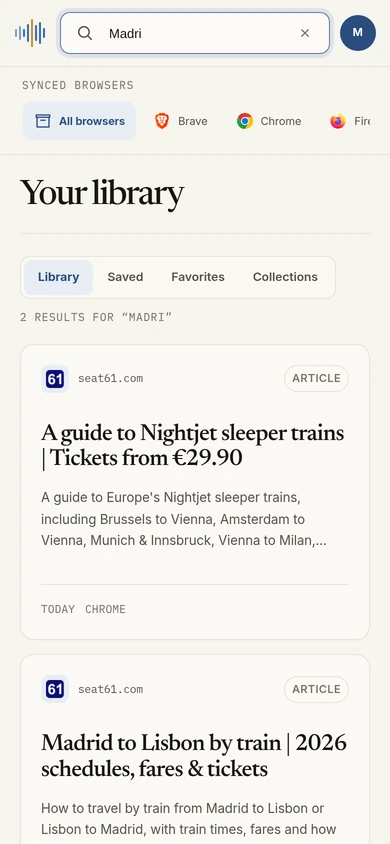
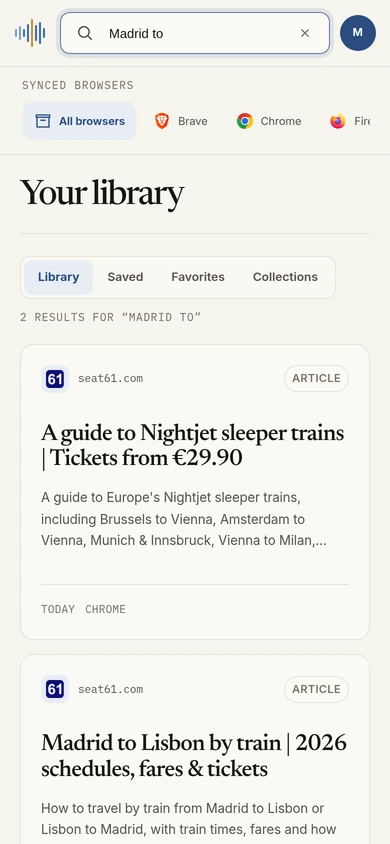
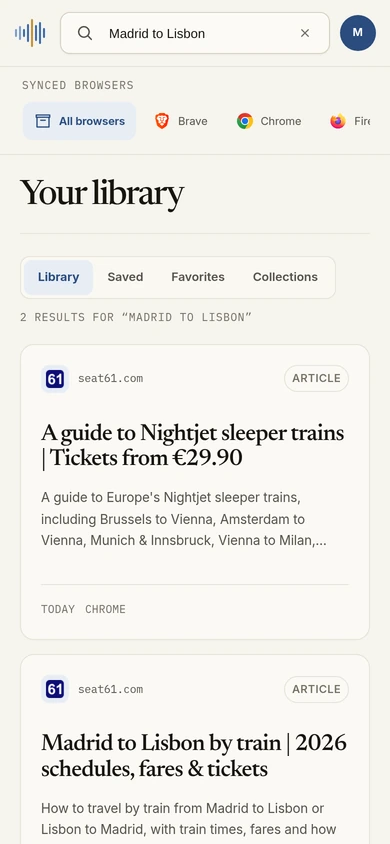
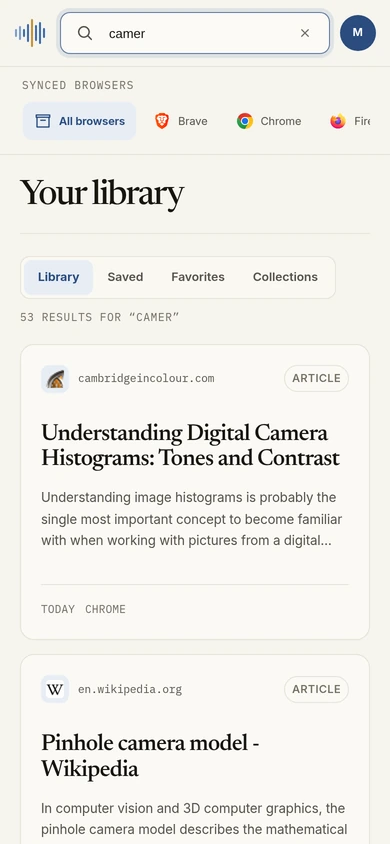
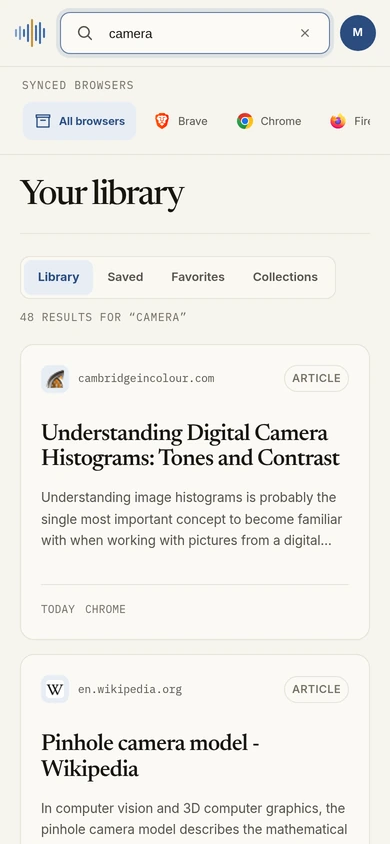
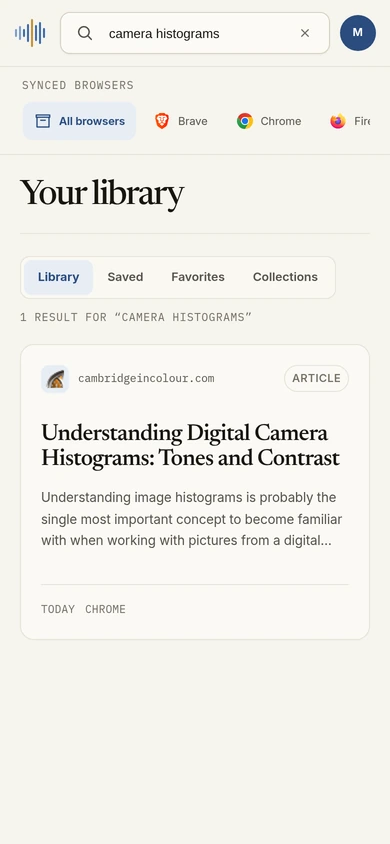
That article from your laptop, ready on your phone. Thoth Web gives you a place to search your backed-up reading, revisit saved passages, and open the page again.
Requires an account and encrypted backup. Rolling out to Pro and Max.
Your library, on your phone
05Make it yours
Bring related reads together, keep favorites close, and see where your curiosity has been taking you.

Private by default
Start without an account. Your reading stays on your device unless you choose to turn something on.
Nothing at all. Pages, passages and notes are kept here, under your control.
Some reading is just for you. Keep any site out of Thoth, with email, documents and password managers excluded from the start.
An archive of your own on every plan. Pay once to keep it all on your devices, or subscribe for search by meaning and private backups.
Give your everyday reading a memory.
Free forever
$0forever
No account. No card.
Free at launch
On this device
Keep every page you read, privately, for good.
One-time purchase
$14.99once
One payment. No subscription.
Nothing is charged when you join.
Yours to keep
No sync, backup or search by meaning. Each browser keeps its own archive.
Find the idea behind the words.
$5.99/ month
Billed monthly. Cancel anytime.
No subscription starts when you join.
One browser type
Make room for every browser.
$9.99/ month
Billed monthly. Cancel anytime.
No subscription starts when you join.
Three browser types
Yours on every plan
Automatic capture · Collections and favorites · Saved passages and notes · Blocked sites · Export and deletion
Prices in USD. Encrypted backup and sync are rolling out to Pro and Max.
Questions
Need a hand? Get in touch.
No. Start reading and building your archive without signing up. You only need an account if you choose search by meaning or encrypted backups.
No. Thoth remembers pages you spend time reading, not tabs sitting in the background. The default is ten seconds of active reading. You can change that in Settings or choose to keep pages yourself.
Thoth is made for Chrome, Brave and Firefox. It also runs in desktop Chromium browsers such as Edge, Opera, Opera GX, Vivaldi, Arc, Dia, Yandex, Thorium and ungoogled-chromium, installed from the Chrome Web Store. Each browser keeps its own archive. With encrypted sync on Pro or Max, you can revisit your backed-up reading in Thoth Web, including on your phone.
Open Thoth from any page with Ctrl+Shift+K, or Alt+Shift+K in Firefox. Search for what you remember. Pro and Max add search by meaning, so you can describe an idea without knowing the exact words. Ctrl+Shift+F finds matching passages inside the page you have open.
Yes. Add any site to your blocked list to keep it out of automatic capture. Email, documents, password managers and other private categories are excluded from the start.
Nothing during ordinary use without an account, and nothing at all on the Lifetime plan. If you turn on search by meaning, page titles, limited portions of text and your search terms go to an online service. Page addresses are never sent. Encrypted sync uploads an archive only you can unlock.
With encrypted backup, you can approve a new device from one you already trust, or use your recovery code. Then restore an existing browser archive. Each browser keeps a separate archive; your libraries are never merged. Encrypted backup is rolling out to Pro and Max.
Lifetime is a single payment for Thoth on your own devices: unlimited memories and private keyword search, in as many of your browsers as you like, with nothing ever leaving your device. Pro and Max are subscriptions that add search by meaning, encrypted backup and sync, which need our servers.
They stay yours. Your archive lives in your browser, so cancelling a subscription never deletes it. You keep everything you saved and can keep searching it with keyword search; only search by meaning, backup and sync stop. Lifetime never expires.
Removing the extension also removes the archive stored in that browser. Export it first to keep your pages, notes and passages in a file you own. You can import them again later.
One install, nothing to change about how you read.
Made for
Also works with desktop Chromium browsers
For the next time you almost remember
Let Thoth remember it, so you don’t have to.
You’re on the list. We’ll let you know when Thoth is ready.
We couldn’t save your email. Check your address and try again.